Free for14 days
One installer for Windows. OSuite brings its own database, so there is nothing else to set up, and your books stay on your PC.
If Windows says “Windows protected your PC”
Windows shows this for installers it has not seen many times before. Choose More info and then Run anyway. Until the installer is signed, Windows lists the publisher as unknown; the SHA-256 checksum above lets you confirm the file is the one we published.
After you install
Start the trial
Open OSuite and enter your name, email and company. The 14 days start now; no card is needed.
Set up your company
Your GSTIN, state and address; your bank details and UPI ID to print on invoices; your logo if you have one.
Add what you sell
Products with HSN codes and GST rates, customers with their GSTINs, and your opening stock and balances.
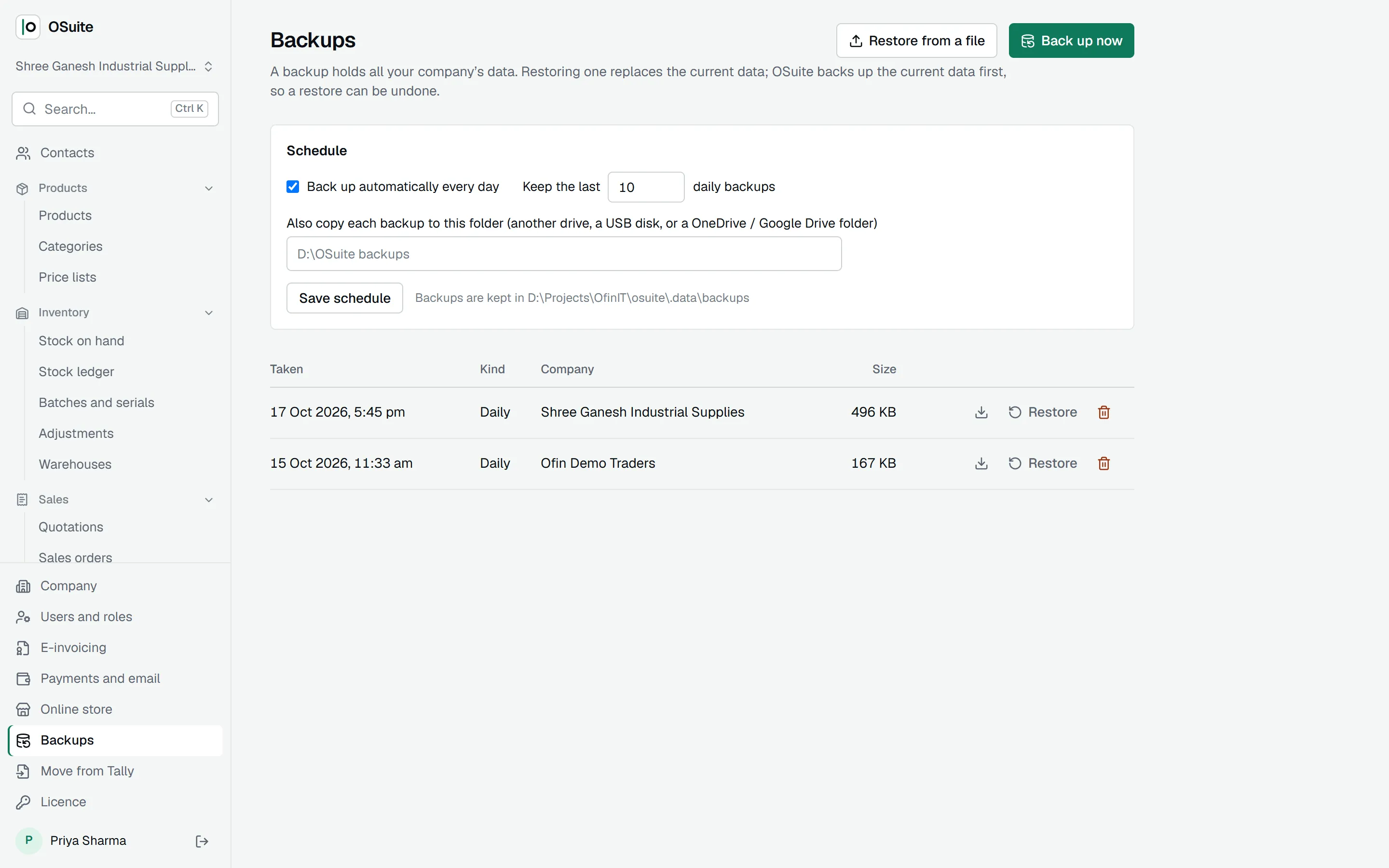
Turn on daily backups
Choose a second folder, such as a USB disk or a OneDrive folder, and OSuite copies every backup there.
What it needs
- Windows
- Windows 10 or 11, 64-bit
- Memory
- 4 GB or more
- Disk
- 1 GB for OSuite, plus room for your data and backups
- Internet
- Only to start the trial, and for a moment every 14 days to renew the licence
- Screen
- 1366 × 768 or larger
Backups from day one
Every night, with a copy in a second folder you choose.