IRN ande-way bills
The e-invoice built in the portal’s own format, checked before it is sent, with the signed QR printed on the invoice.
Checked before it leaves.
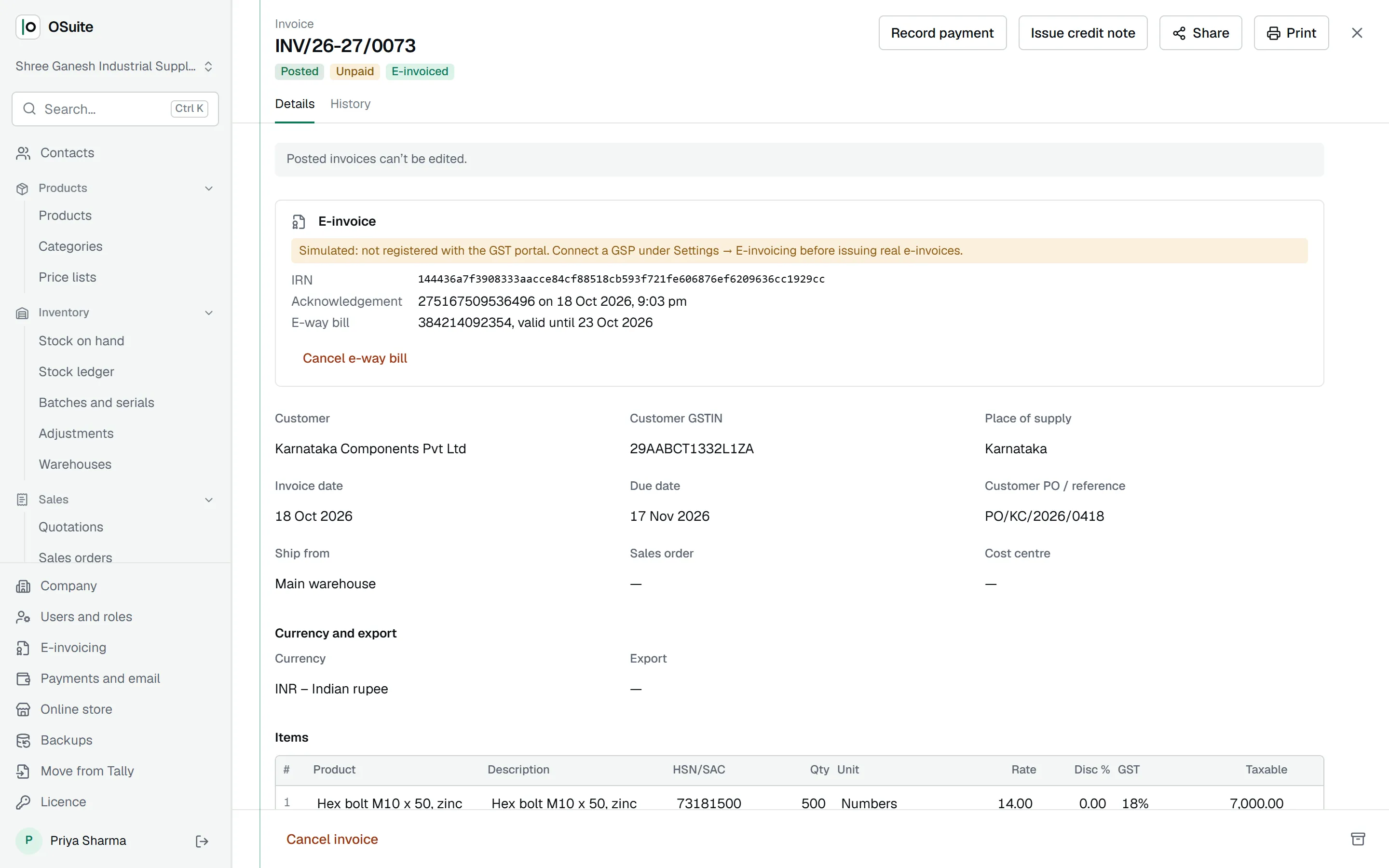
OSuite builds the e-invoice (schema INV-01, version 1.1) from the posted invoice and checks it against the portal’s rules first: document number format, addresses and PIN codes, 4, 6 or 8 digit HSN codes, valid rates, totals that match the items.
Anything missing is listed in plain words, such as “The customer: a 6-digit PIN code is required”, before anything is sent.
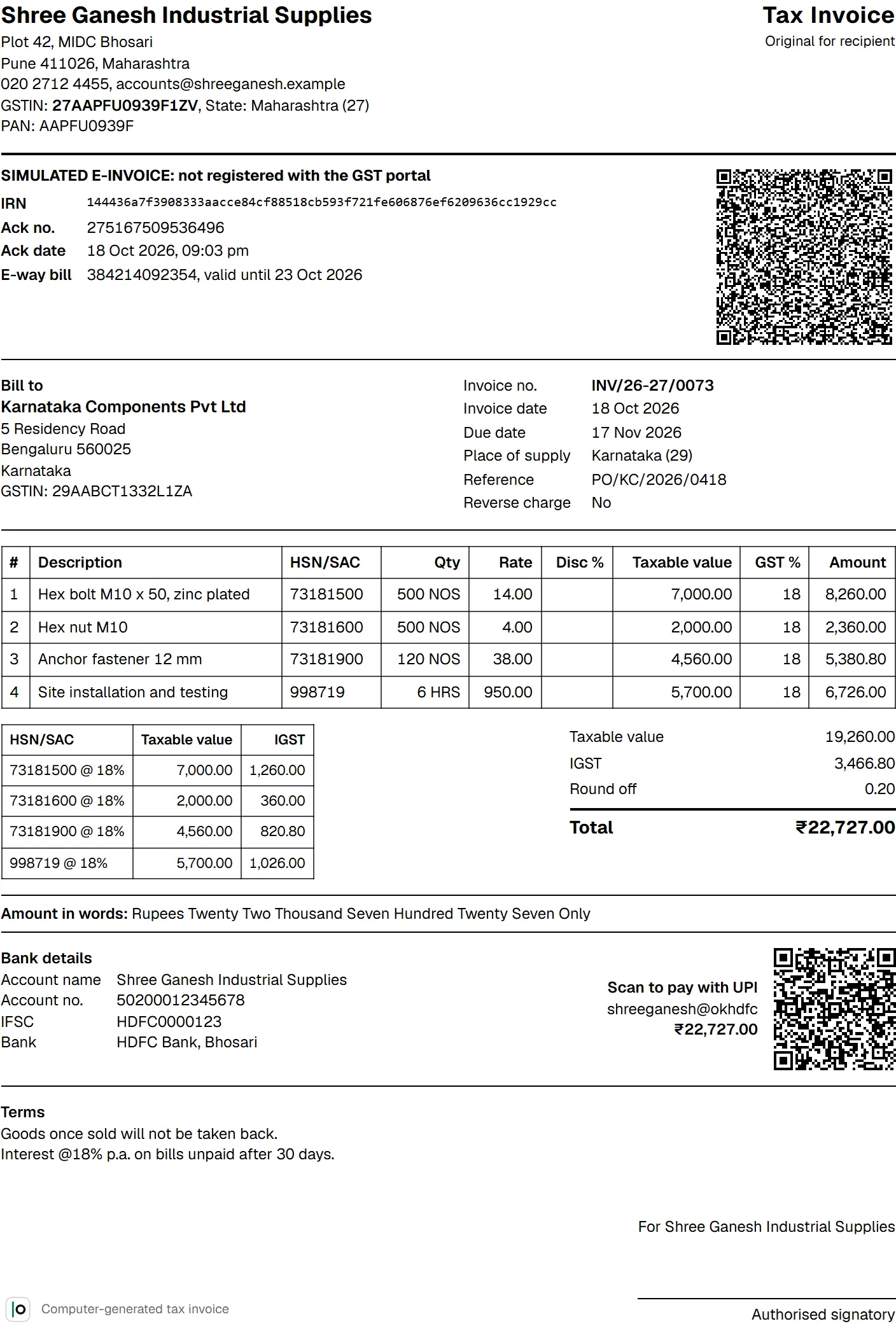
IRN and signed QR, printed.
The IRN, acknowledgement number and date and the signed QR code are stored on the invoice and printed on it. Credit notes are e-invoiced the same way, with the original invoice they adjust.
The portal’s rules, kept for you.
An e-invoice can be cancelled within 24 hours, and only after its e-way bill. An invoice with an active IRN cannot simply be cancelled: OSuite points you to a credit note. E-way bills are for goods, need a vehicle number or transporter ID, and stay valid one day per 200 km.
Every step is written to the edit history, and the e-invoice JSON can be downloaded from the invoice.
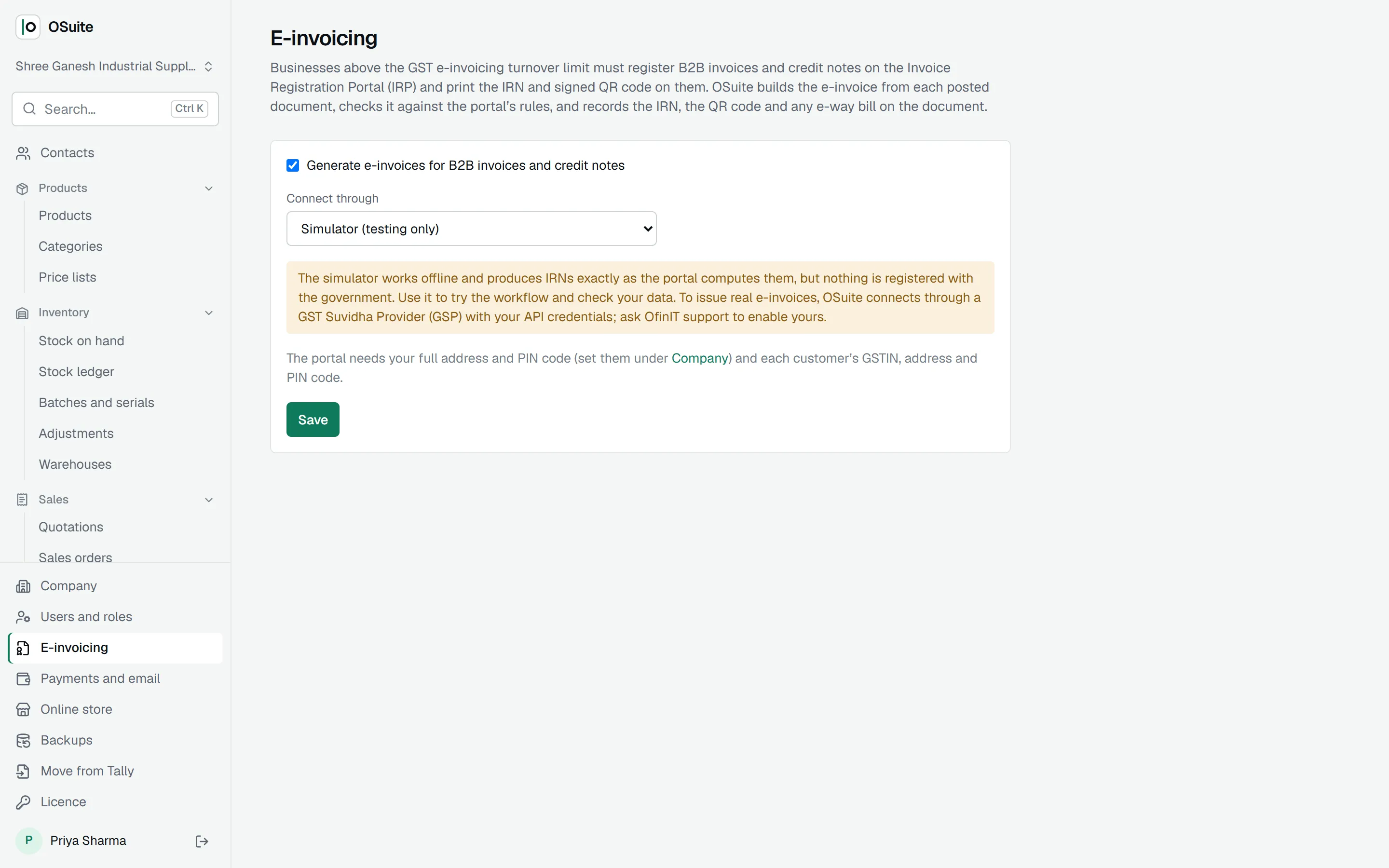
Connection to the portal.
Registration with the Invoice Registration Portal goes through a GST Suvidha Provider; that connection is being finalised. Until it is live, a built-in simulator lets you try the whole flow, and everything it produces is clearly marked as simulated.
More in OSuite
Invoicing and quotations
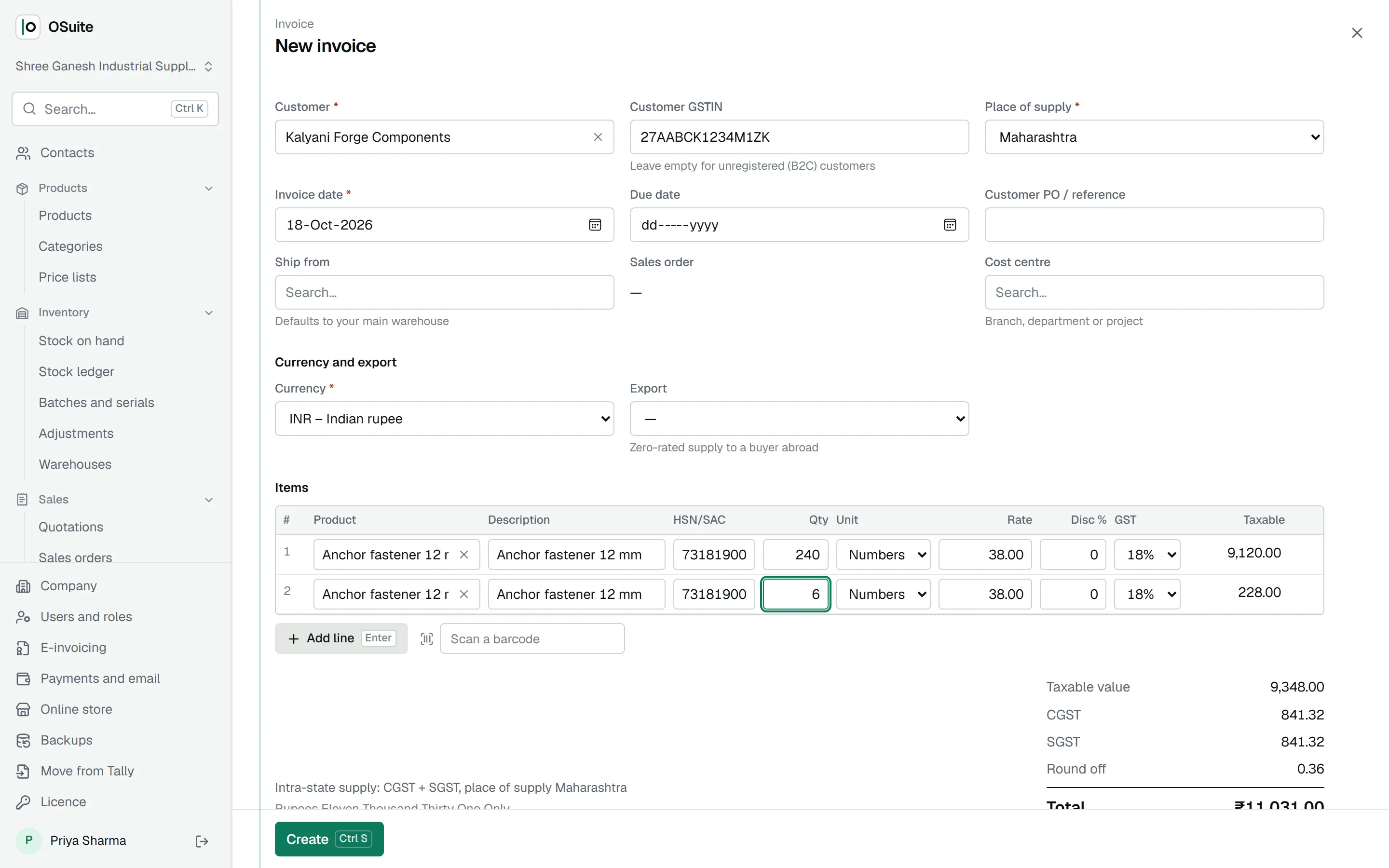
Tax invoices, quotations, proformas and credit notes, with GST worked out as you type.
GST returns
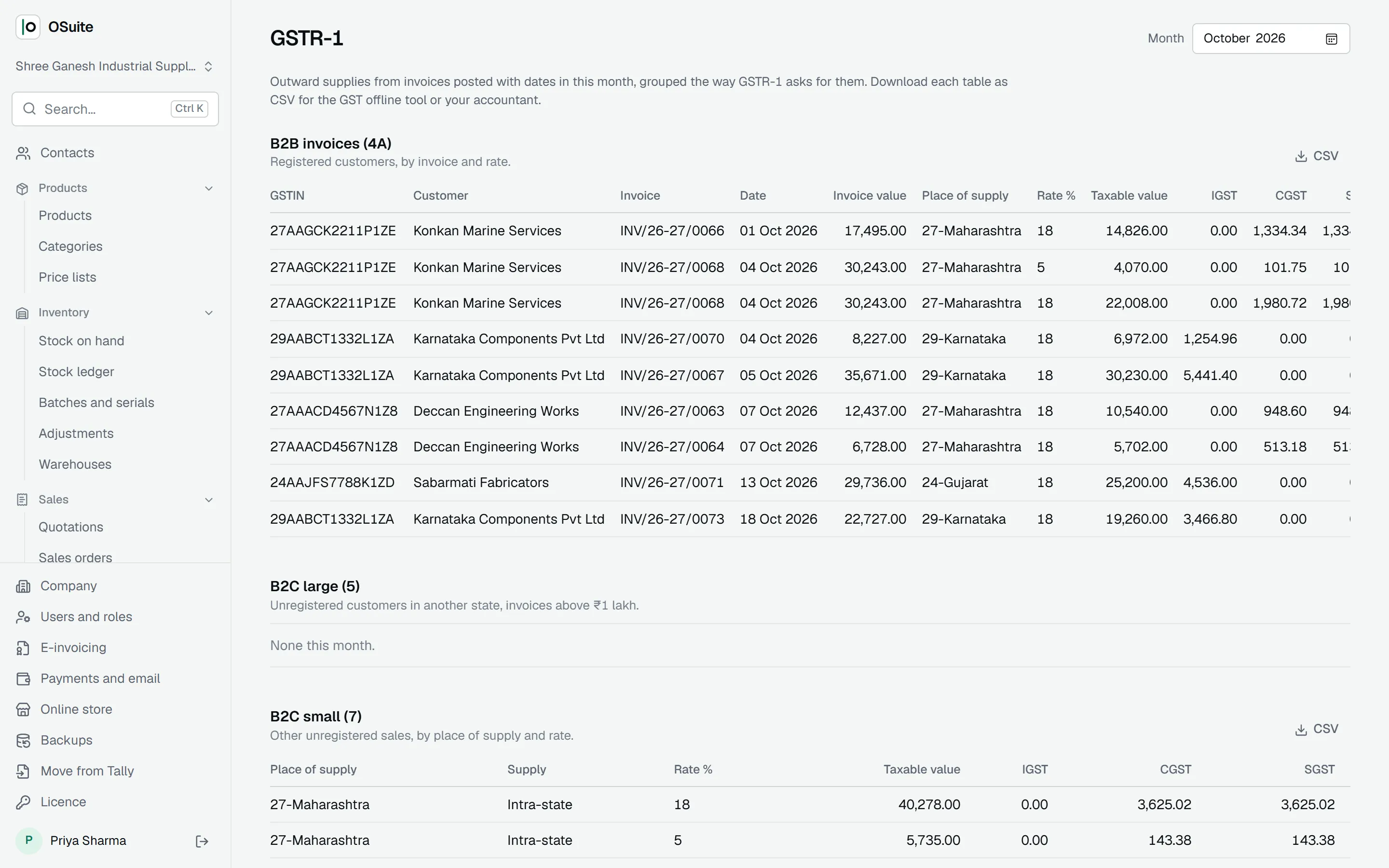
GSTR-1 and GSTR-3B from your posted documents, GSTR-2B matched to your bills, and the GSTR-9 summary.
Purchases and bills
Vendor bills and debit notes, with duplicate checks, stock at cost and input tax credit.