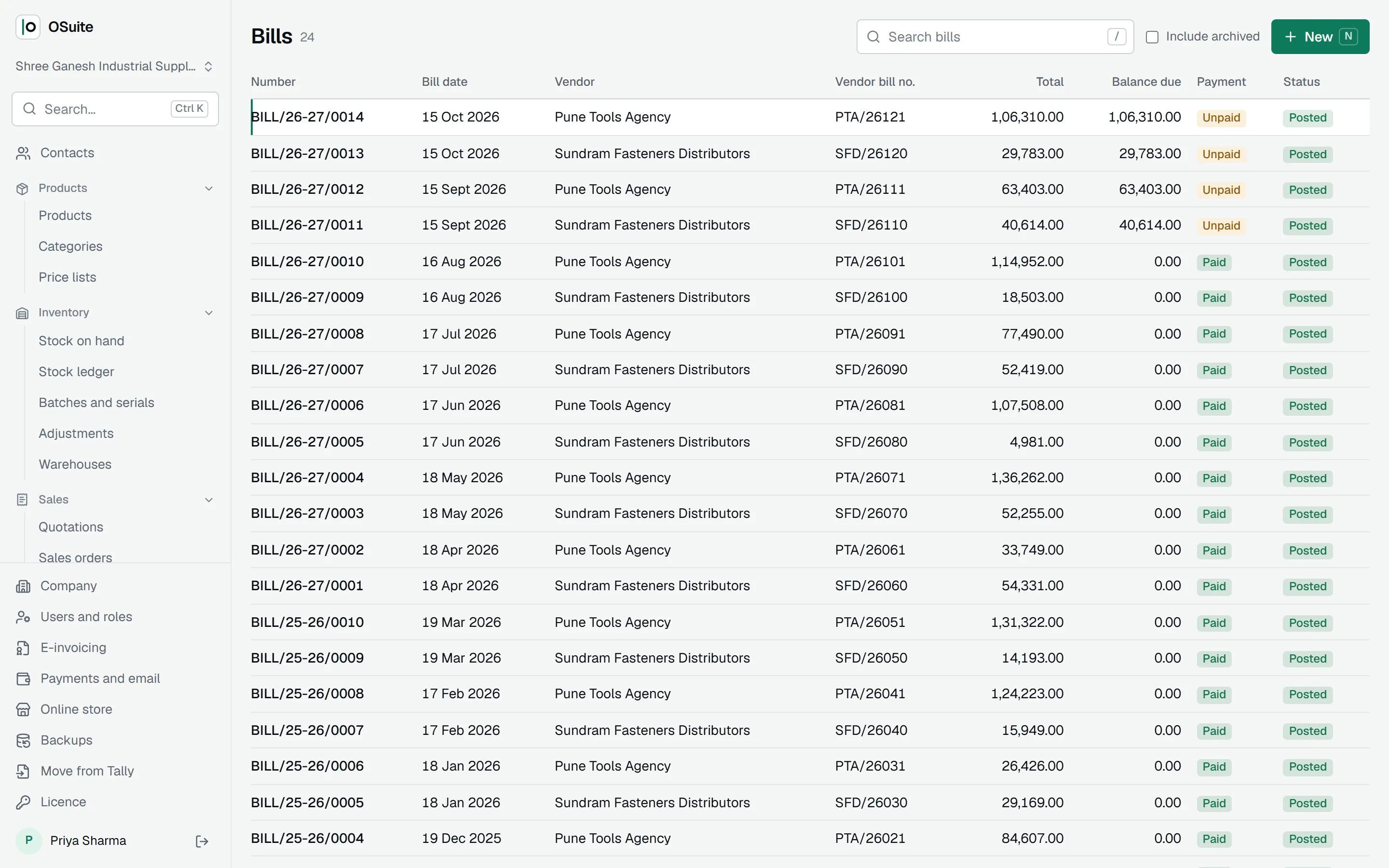
Bill ina minute
GST tax invoices, quotations and proformas, typed as fast as you talk to the customer.
Pick the customer; the rest fills itself in.
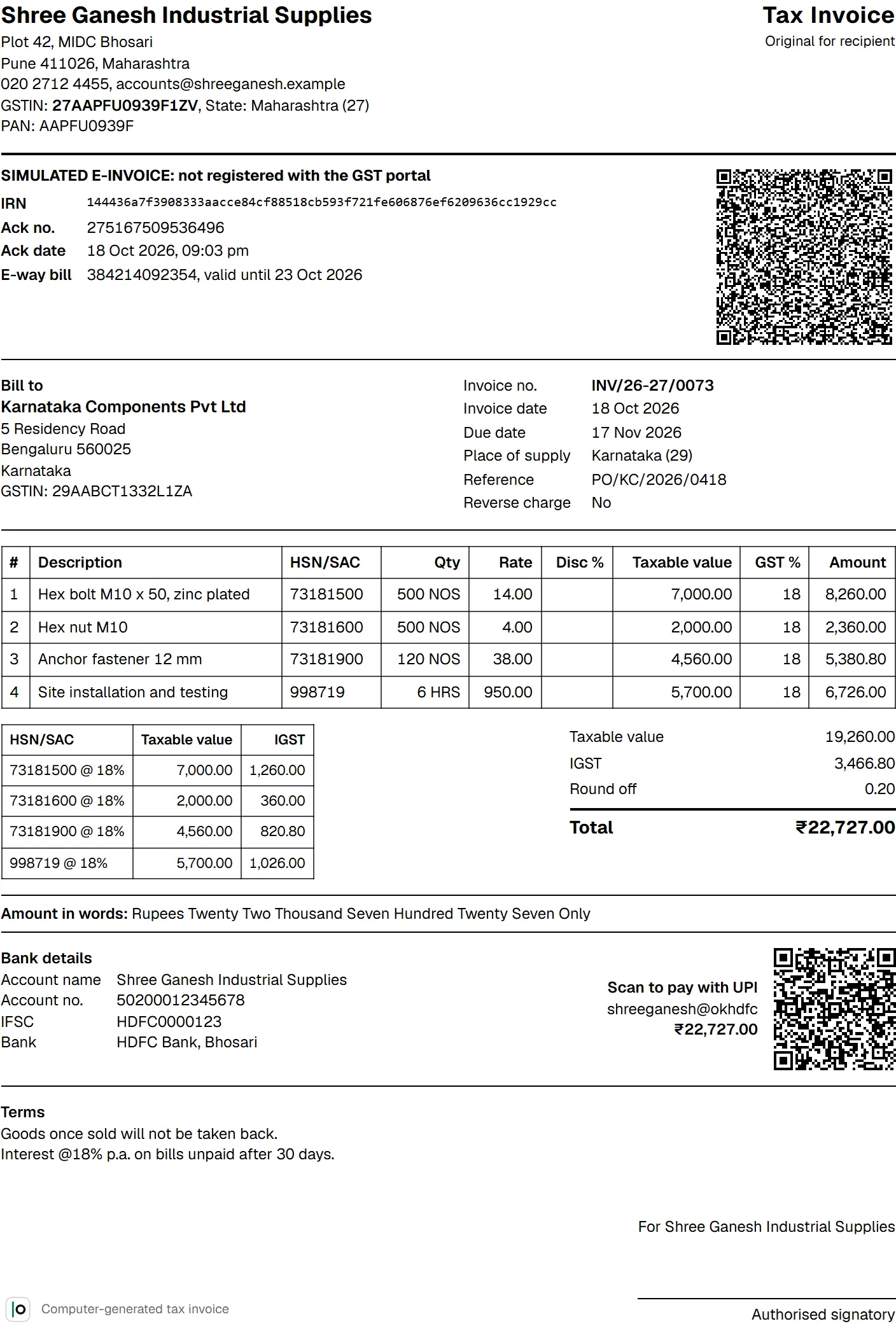
Their GSTIN and place of supply come from the contact. Each product brings its HSN code, unit, rate and GST rate. Type a quantity, press Enter for the next line, and the totals follow as you type.
Inside your state the tax splits into CGST and SGST; to another state it is IGST. Round off is printed on its own line and the amount appears in words, in lakh and crore.
Numbers that restart every April.
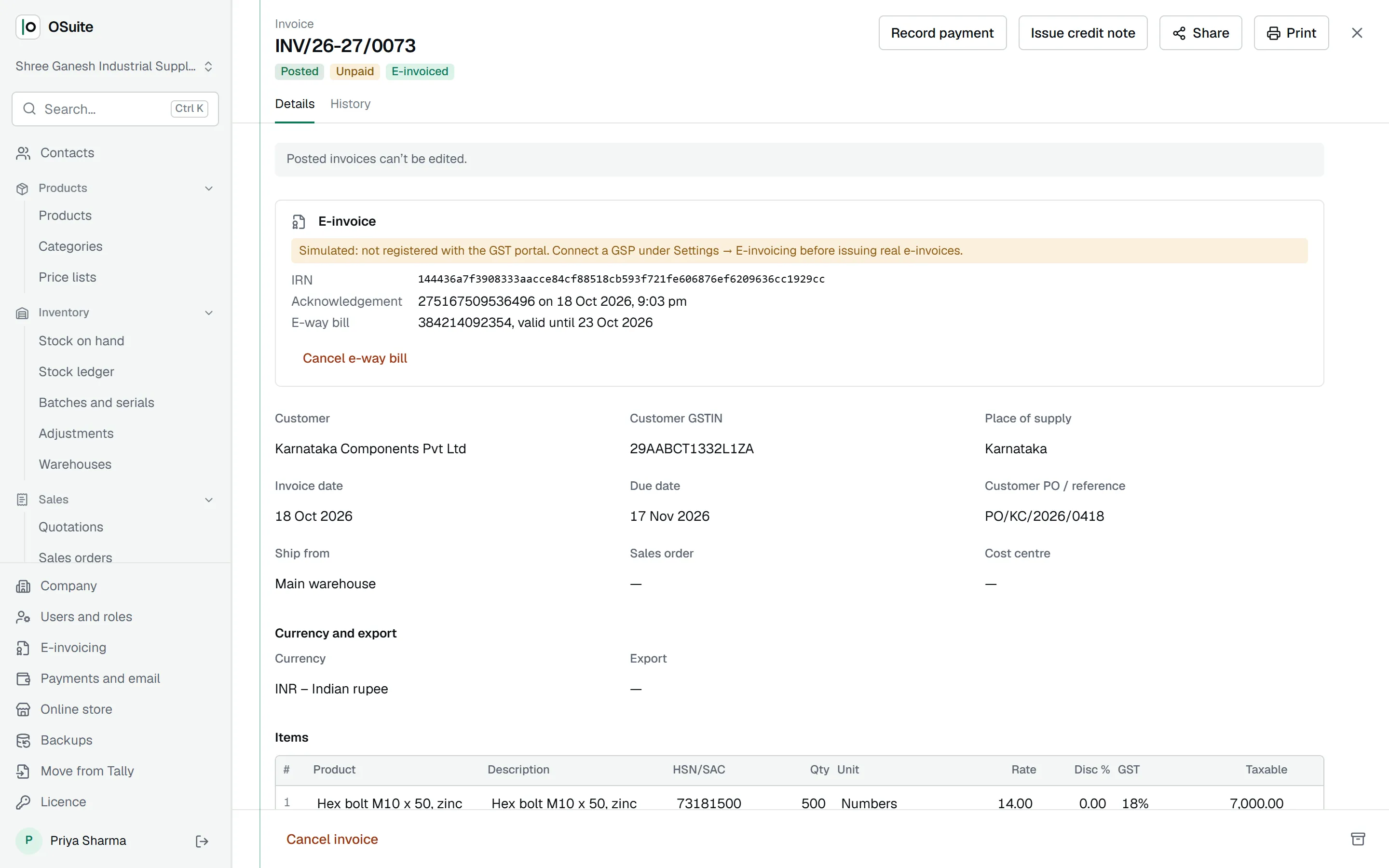
Every document gets the next number for its financial year when you post it: INV/26-27/0001, then 0002. Drafts take no number, so the series has no gaps, and posted documents cannot be edited.
Add your UPI ID once and every invoice prints a UPI QR code for its exact amount, so customers can pay from their phone the moment they read it.
Quote first, invoice when they say yes.
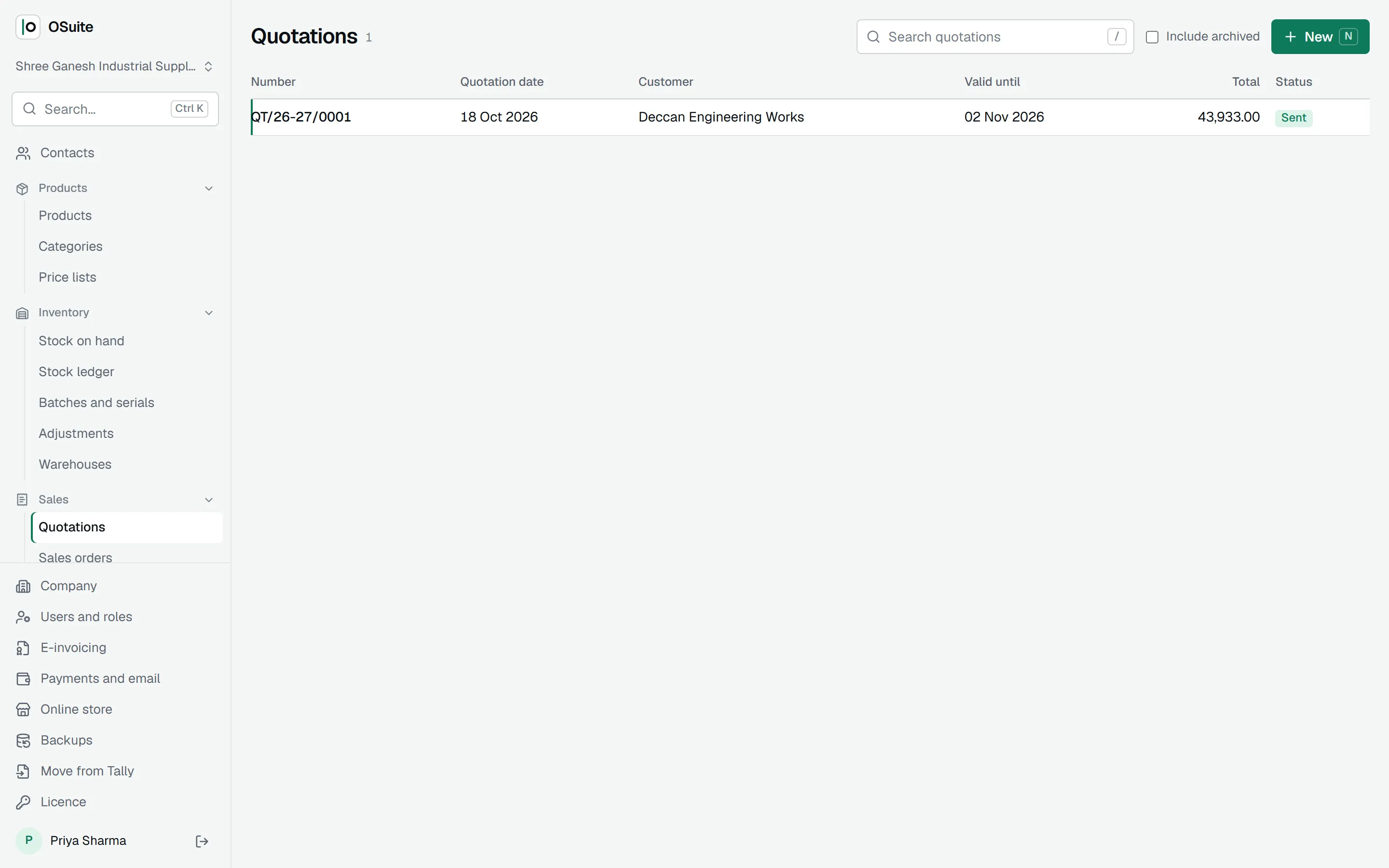
Send a quotation with a validity date. Mark it sent, accepted or declined; revise it without losing its number. When the customer agrees, one click turns it into a draft invoice with the same items.
The same quotation prints as a proforma invoice with your bank details and a UPI QR code, for customers who pay in advance.
Each customer, their own rate.
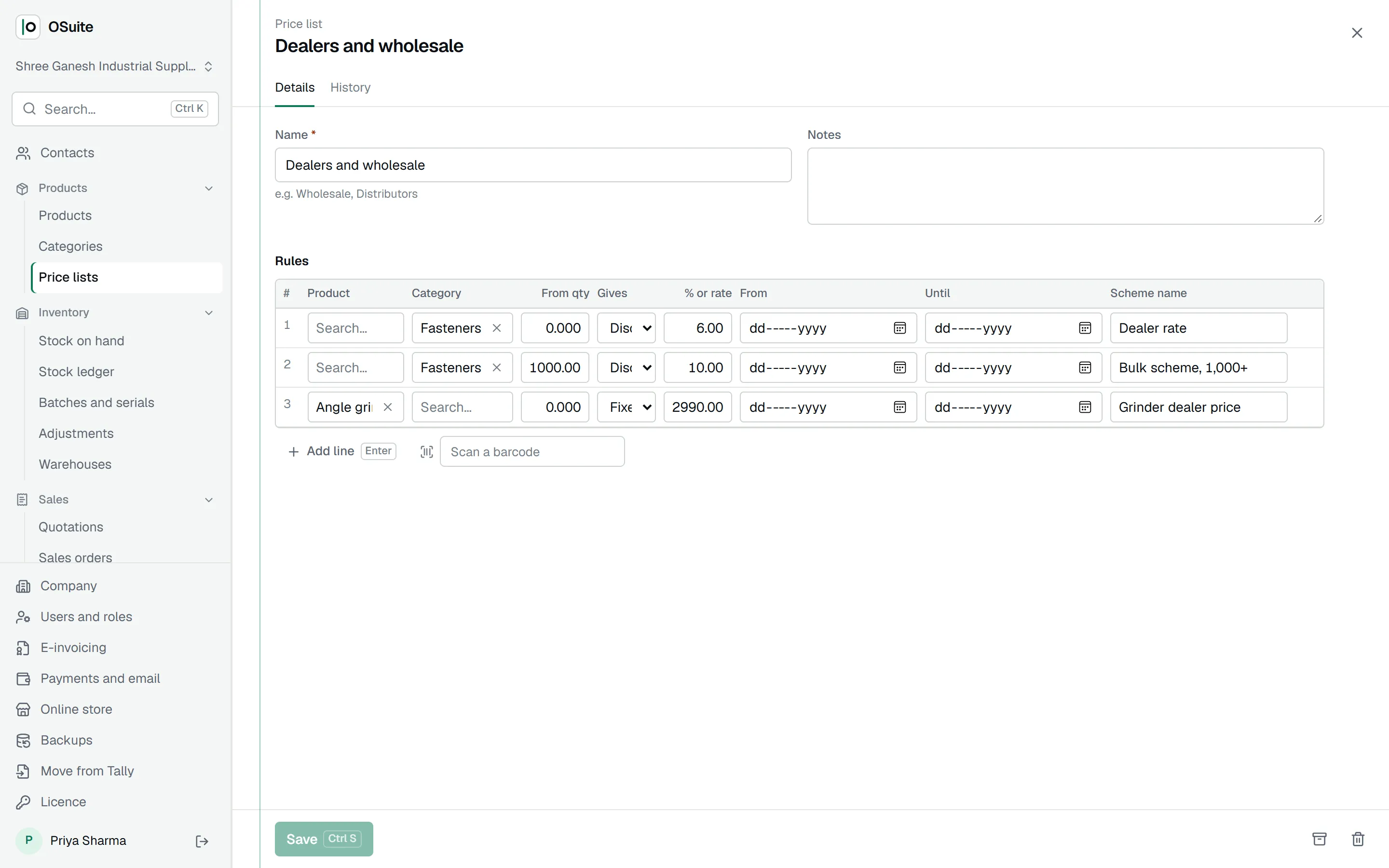
Price lists give dealers and wholesale buyers their rates: a discount on a category, a fixed price on one product, or a slab scheme that starts at a quantity, such as 10% off from 1,000 pieces. Set a list on the customer and their invoices use it as you type.
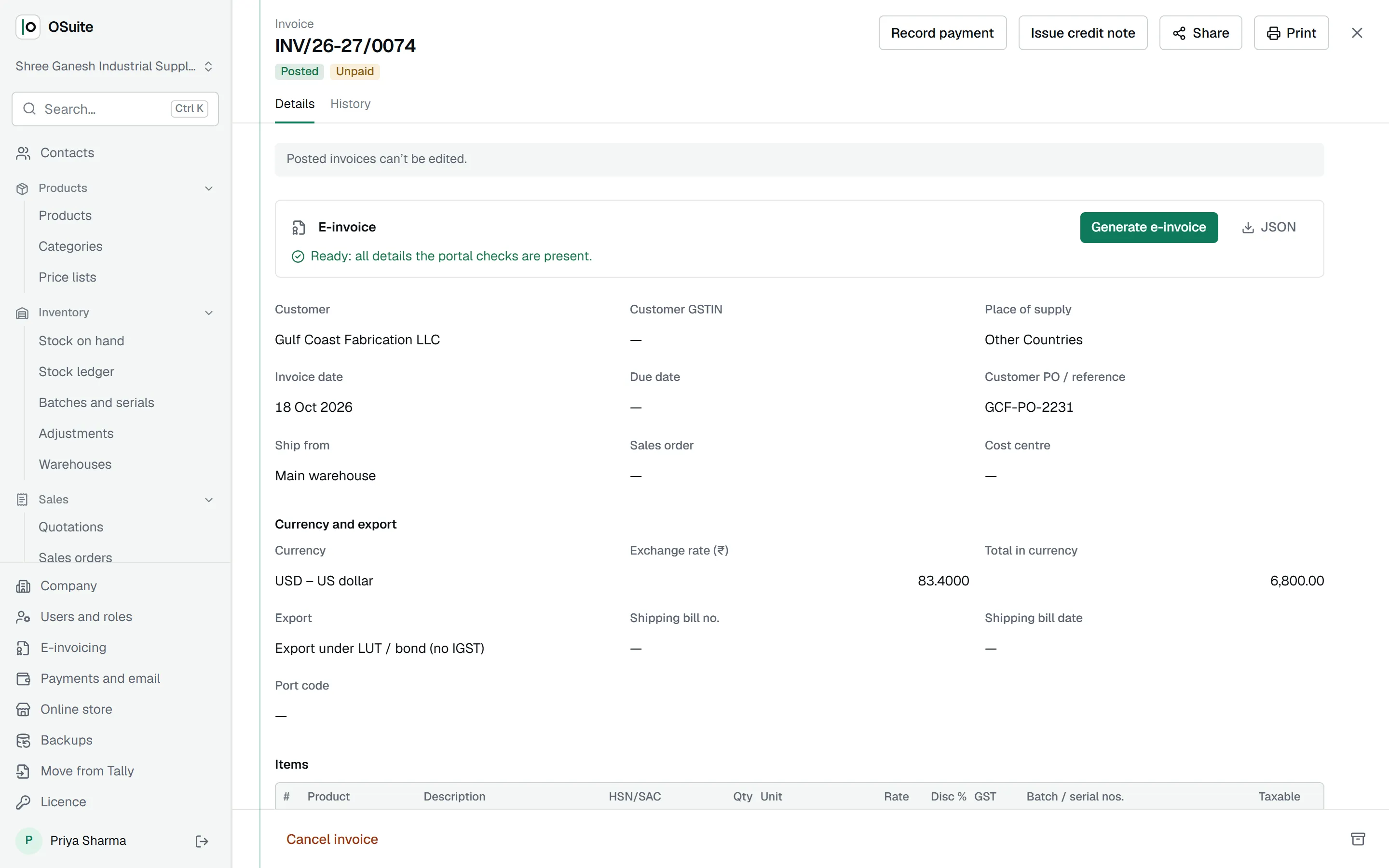
Export in dollars, under LUT.
Invoice a buyer abroad in their currency with the day’s exchange rate; the books stay in rupees. Mark the supply as export under LUT or bond without IGST, or with IGST paid, and the e-invoice carries it. When the payment arrives at a different rate, the exchange gain or loss is booked.
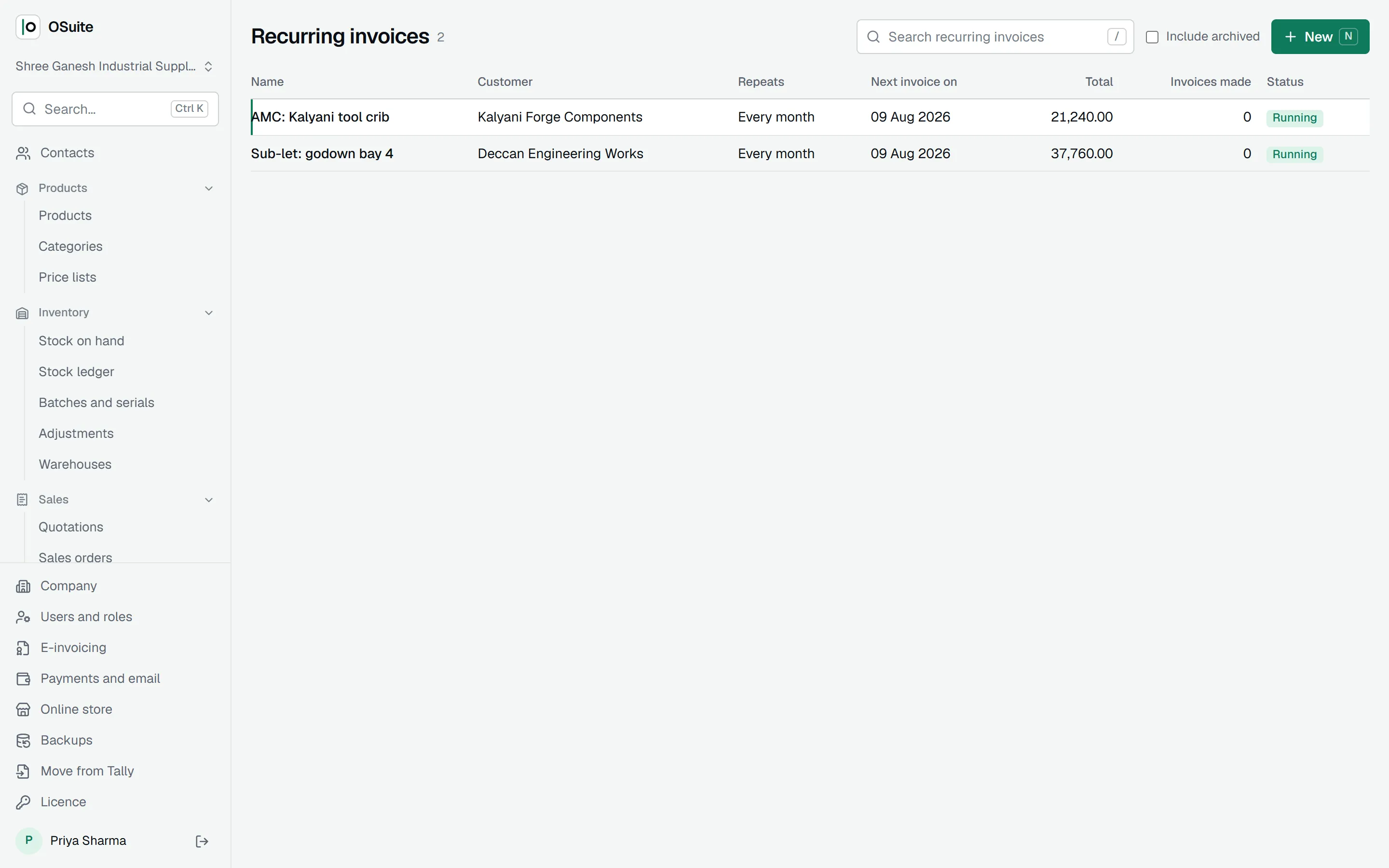
Invoices that repeat themselves.
Rent, AMCs and retainers go out on their own every month, quarter, half year or year, as drafts for you to check or posted straight away.
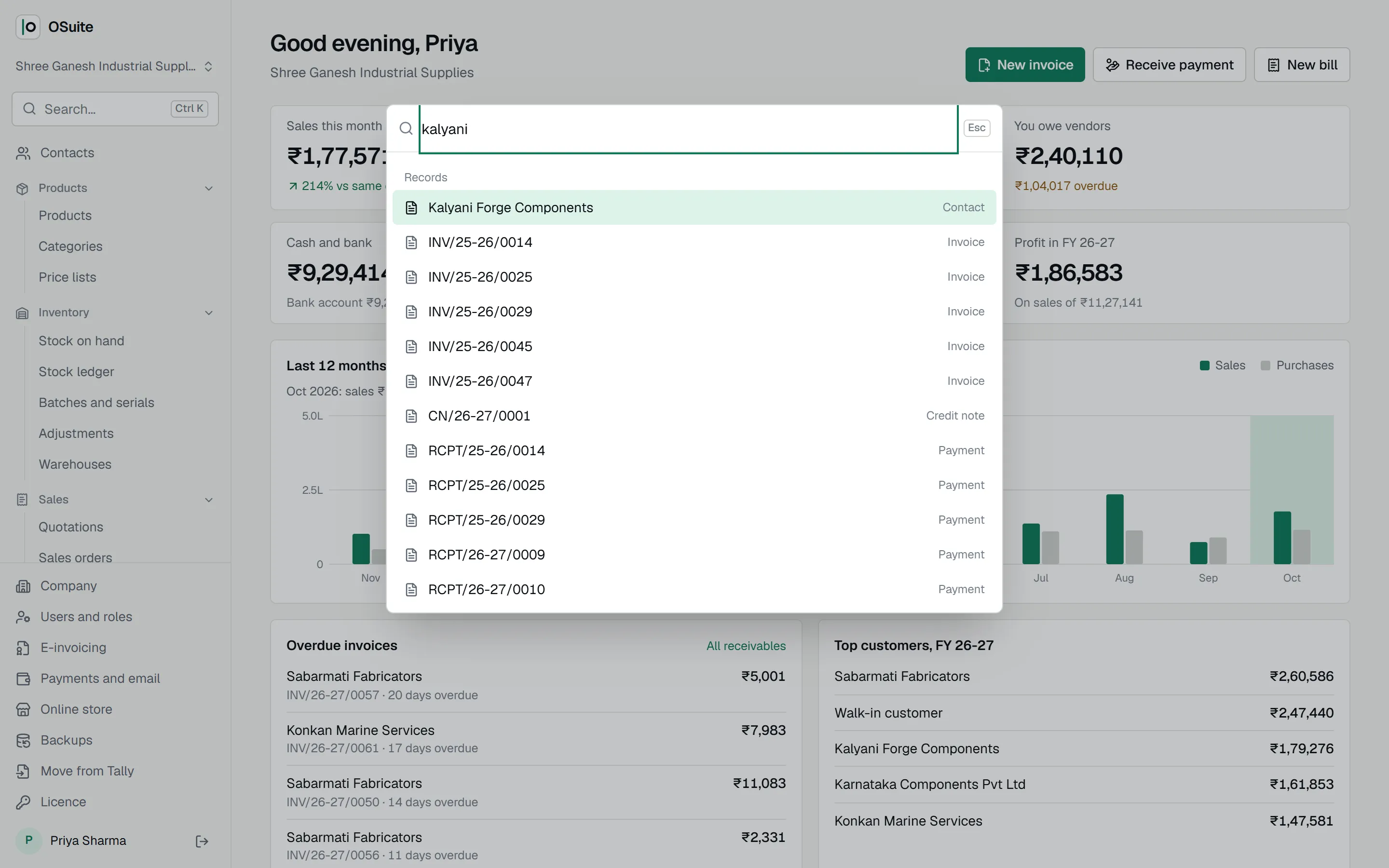
Find anything with Ctrl K.
Press Ctrl K anywhere and type a customer, an invoice number or a product. In any list, N starts a new record and the slash key searches. The keyboard does what Tally users expect it to.
More in OSuite
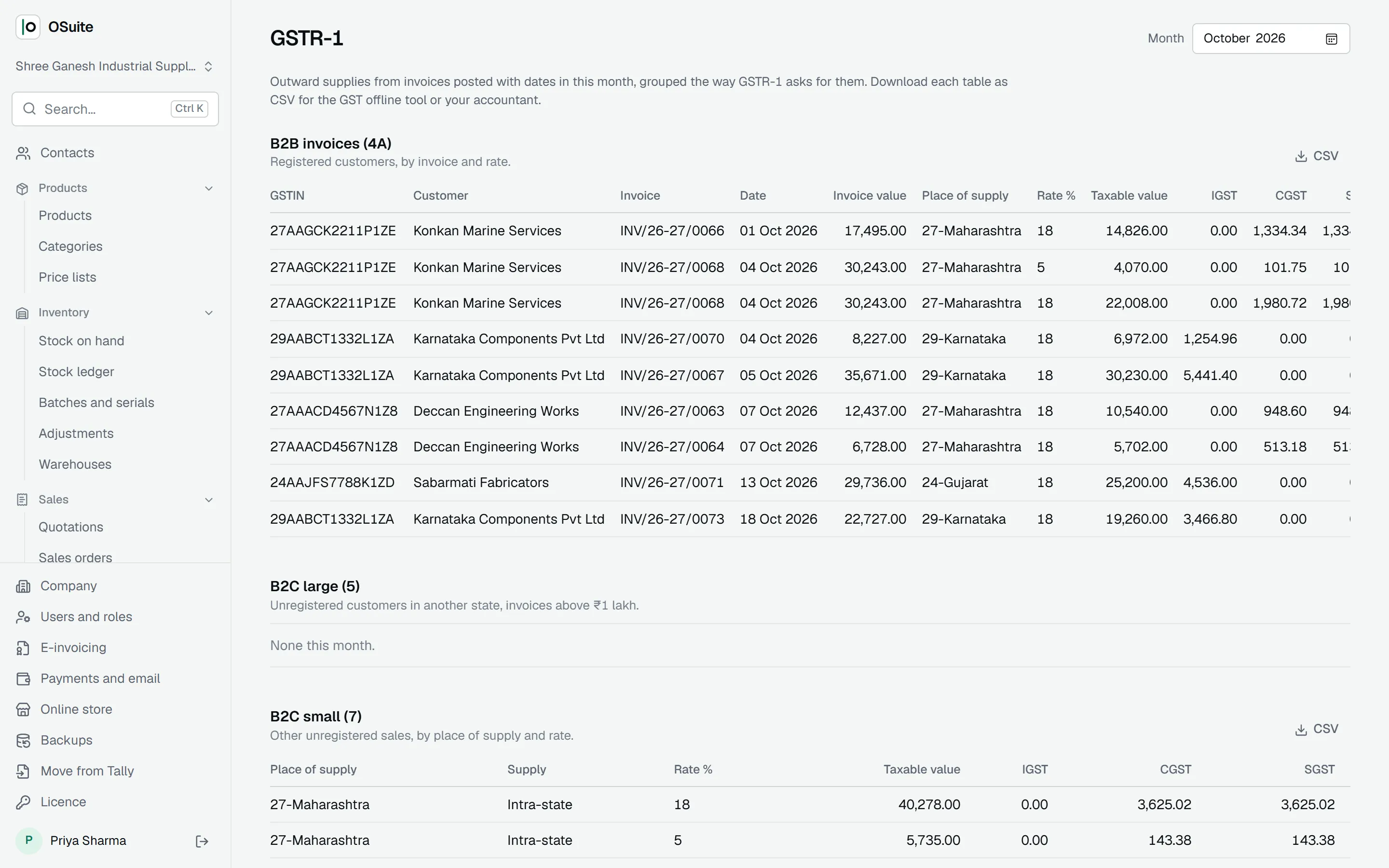
GST returns
GSTR-1 and GSTR-3B from your posted documents, GSTR-2B matched to your bills, and the GSTR-9 summary.
E-invoicing and e-way bills
E-invoice JSON in the IRP format, checked first; IRN and signed QR on the print; e-way bills from the IRN.
Purchases and bills
Vendor bills and debit notes, with duplicate checks, stock at cost and input tax credit.